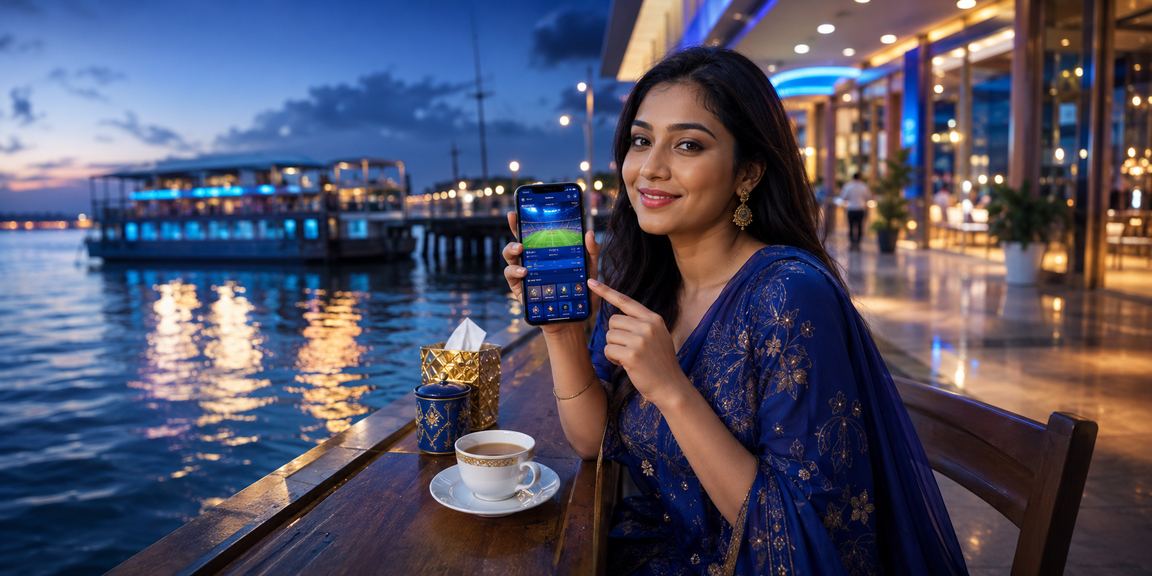
Tk1's mobile app turns your phone into a full betting station. Sports Betting, Live Casino, slots, deposits, withdrawals — all in one app. On the bus, at the office, or at home — tk1 is always with you.
Completely free on both Android and iOS
90% of users in Bangladesh are on Android. The tk1 Android app runs great on all Android phones, including Samsung, Walton, Symphony, and Xiaomi.
Download APKEnable "Unknown Sources" to install apps outside of Google Play
Tk1 hasn't left iPhone users out either. The iOS app runs smoothly on everything from the iPhone 8 all the way up to the latest iPhone 15.
Download from the App StoreInstall directly from the App Store using your Apple ID
Just a few minutes with the APK file
You'll need an account before you start the download. Click the button above to register.
Go to "Settings" → "Security" or "Privacy" → then enable "Install unknown apps" or "Unknown sources". You only need to do this once.
Clicking the "Download APK" button above will start downloading the file directly to your phone.
When the download is complete, tap the notification or open your file manager and find the tk1 APK in the "Downloads" folder.
Tap the APK file and hit "Install". Once installation is done, open the app and log in to your account.
Easy Download from the App Store
Open the App Store from your Home Screen or App Library. Tap the "Search" icon in the bottom menu bar.
Type "tk1" in the search bar and locate the correct app. Make sure the icon and name match tk1's official branding.
The app is free, so just tap the "GET" button. Enter your Face ID or Apple ID password if prompted.
Download and installation happen automatically. It usually takes 1–2 minutes on Wi-Fi and a little longer on mobile data.
Once installed, tap "OPEN" to launch the app. Log in to your tk1 account and start playing.

Everything the website offers, plus a little more
Once the app is installed, most resources are cached locally. It loads 2–3 times faster than the website.
New bonuses, match kick-offs, live score updates — everything comes straight to your screen. You won't miss a thing.
Log in in seconds with your fingerprint or face scan — no need to type a password.
The app runs smoothly even on limited data. You can watch live matches and place bets even on a 3G connection.
Enable Dark Mode for a more comfortable viewing experience at night. It also switches automatically based on your phone's system theme.
Rotate your phone to landscape for a much larger view of Sports Betting markets or Live Casino tables — a noticeably better experience.
Deposit directly via bKash or Nagad without ever leaving the app. Everything done in just one tap.
View real-time match scores, statistics, and odds changes all on one screen — making it easier to decide when and how to bet.

Both have everything you need, but the app has a few extras
| Features | Mobile App | Web Browser |
|---|---|---|
| Sports Betting | Complete | Complete |
| Live Casino | Complete | Complete |
| Deposit / Withdrawal | Available | Available |
| Push Notifications | Available | None |
| Biometric Login | Available | None |
| Offline Caching | Available | Limited |
| Loading Speed | Faster | Standard |
| Dark Mode | Available | None |
| Live Score Widget | Available | None |
In Bangladesh, most people access the internet through their smartphones. Even if you have a laptop or desktop at home, your phone is always within reach. With that reality in mind, tk1 has made its mobile app a top priority.
This isn't just a shrunken-down version of the website — tk1's app is built specifically for mobile. Bigger buttons, easier scrolling, faster game loads — the user experience was the priority from the ground up.
Because Google Play Store restricts betting apps, tk1's Android app is distributed directly as an APK file. APK stands for Android Package — it's the standard way to install apps outside of Google Play. All it takes is one setting change: enabling "Unknown Sources" on your phone. On Samsung devices, you'll find this under Settings > Biometrics and security > Install unknown apps. On Xiaomi or Redmi devices, it's under Settings > Privacy.
Installing via APK carries no risk — as long as you download only from tk1's official page. Do not download any tk1-branded app from third-party websites, as it could be a fake.
IPhone and iPad users can find tk1 directly on the App Store. Installing on iOS is straightforward — no extra settings required. Just search the App Store and download. The app has passed Apple's security review process, so you can trust what you're getting.
The iOS app supports login via Face ID or Touch ID. Set up biometrics once and you'll never need to type your password again. It not only saves time — it adds a layer of security, since biometric data can't be guessed.
The tk1 app is 45 MB on Android and 48 MB on iOS — significantly smaller than most popular apps. Game data is streamed, so individual games don't need to be downloaded separately. Even a mid-range phone with 32 GB of storage should run the tk1 app without any issues.
The app is updated regularly — for new features, performance improvements, or security fixes. On Android, update notifications require a manual install; on iOS, updates happen automatically if auto-update is enabled.
When you first open the app, it will ask for permission to send notifications — just tap "Allow". After that, tk1 will keep you in the loop whenever a major match is about to start and the betting window opens, a special bonus offer is available, or your withdrawal has been successfully processed. You can customize which notifications you receive anytime from the app's settings.

Having a mobile app always at hand can make it easier to spend more time and money on betting or gaming than you intended. The app lets you set deposit limits and session timers — using these features makes it much easier to stay in control of your budget and your time.
Read our Responsible Gaming Policy →What Users Want to Know
Free to download on Android and iOS. Register now and claim a 100% bonus on your first deposit.
18+ | Play Responsibly | Responsible Gaming